


After an incident, sharp-looking footage isn’t enough. You need readable detail in the right direction, at the right time, saved on a card that still works and held by a mount that hasn’t moved.
Start with the evidence you need: readable plates, impact direction, or parked-car proof
The best dash cam setup depends on the evidence you’re most likely to need. Most dash cams record continuously in a loop, then overwrite older footage unless you save a clip manually or an event sensor locks it.
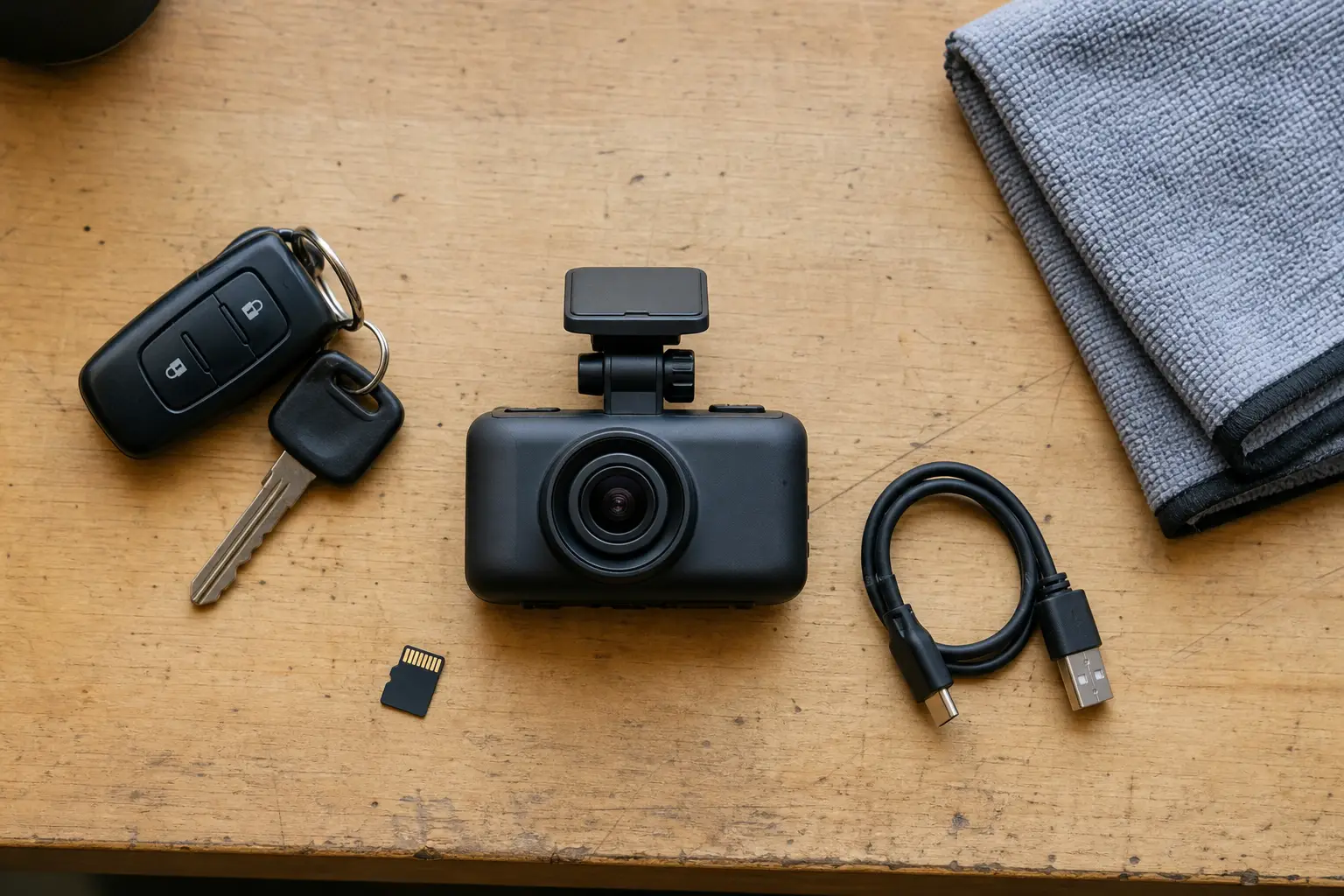
Before comparing specs, decide what failure would bother you most: missing a number plate, missing the rear impact, missing a parking hit, or finding that the clip was never recorded.
- For basic crash context, a good front camera may be enough.
- For rear-end impacts, tailgaters, and parking-lot taps from behind, add a rear camera.
- For street parking, judge the parking power setup before you judge app features.
- For rideshare, taxi, delivery, or family vehicles where cabin events matter, consider a cabin camera and check audio and privacy controls.
- For commercial or high-risk parking use, multi-camera or connected systems can help, but they add cost, installation work, power demand, and storage demand.
Balance resolution and field of view so detail stays readable
Resolution and field of view work against each other. More pixels can help, but a very wide lens spreads those pixels across more road, which can make distant plates smaller and softer.
Choose resolution for usable detail, not the biggest number
1080p is still usable for basic context, but it gives you less room to crop into plates, road signs, or distant vehicles. 1440p, often called 2K, is a strong middle ground for many front cameras. 4K can help with plate detail and cropping, but only if the sensor, lens, bitrate, exposure, and compression are good.
A weak 4K camera can look worse than a well-tuned 1440p camera. 4K also increases storage demand and heat load, so the card, case design, and reliability matter more as resolution rises.
Pick a field of view that keeps vehicles large enough
Most dash cams advertise a field of view somewhere around 120° to 170°, with many mainstream front cameras around 130° to 150°. A wider view captures more lanes, pavements, and intersections, but it also pushes each vehicle into a smaller part of the frame.
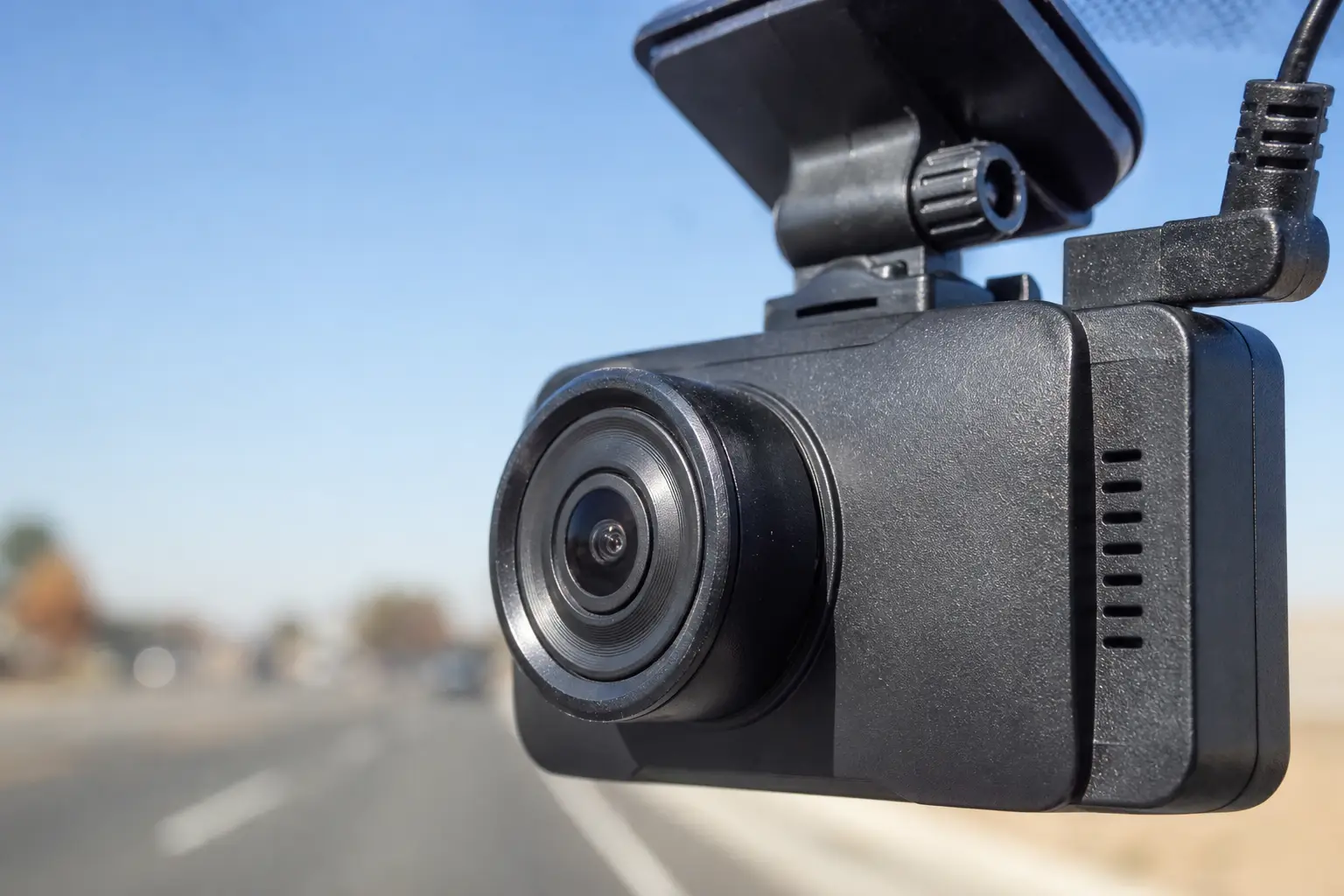
Very wide lenses can also add fisheye or barrel distortion, especially near the edges. That can help show the wider scene, but it can hurt plate readability at distance.
- Look for real sample footage, not only a spec sheet.
- Check plate readability in daylight and at night.
- Check the edges of the frame, not just the centre.
- If a model offers 60fps, check whether it lowers resolution or changes quality settings.
- If it is a dual-channel kit, check whether adding the rear camera reduces front resolution or frame rate.
Choose the right coverage: front-only, front and rear, or cabin
Coverage decides which direction the camera can prove. A single front camera can show what happened ahead, but it cannot show a rear impact or what happened inside the vehicle.
- Front-only: cheapest, simplest, and easiest to mount. Best for basic crash context and drivers who usually park in secure places.
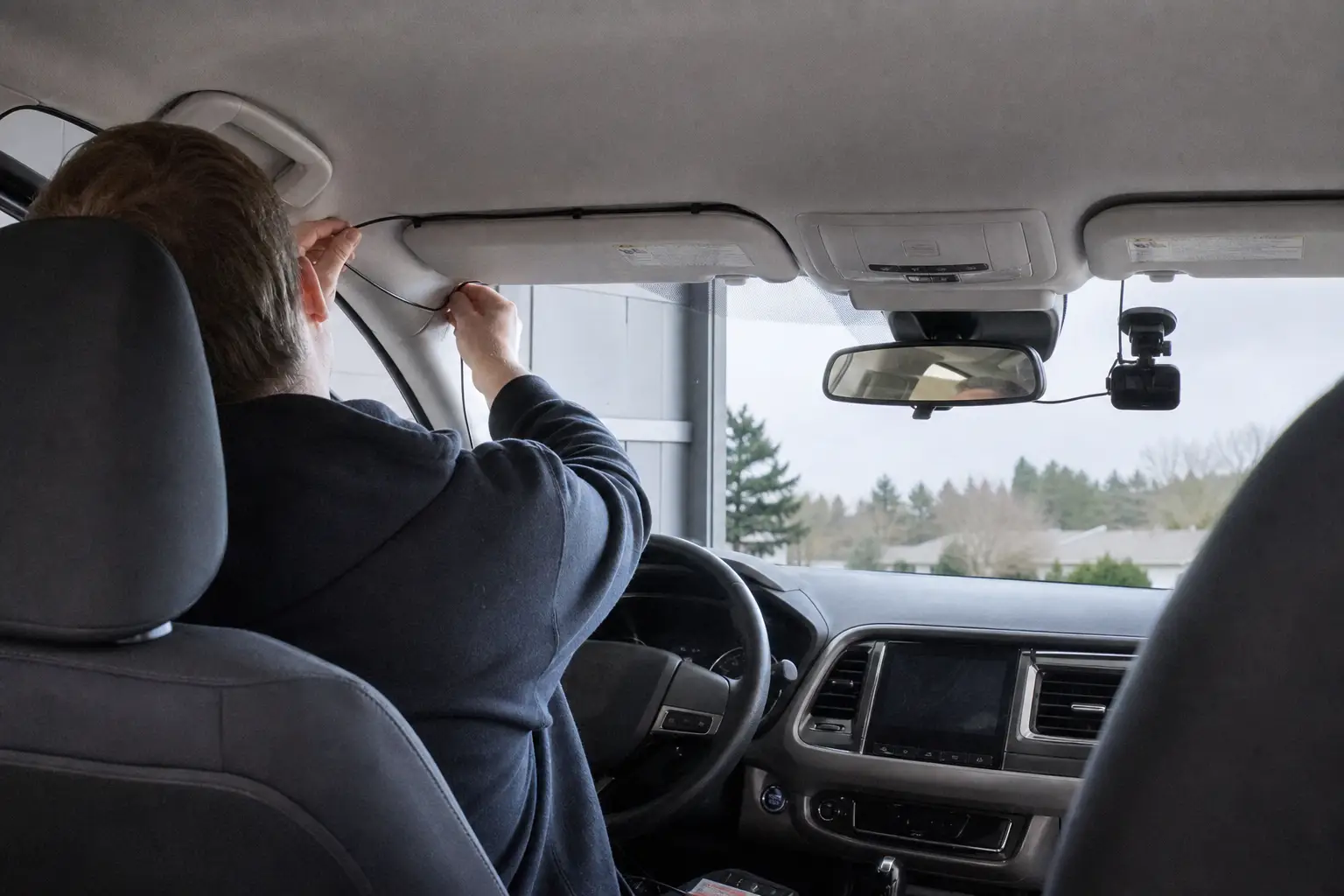
- Front and rear: the better default for many buyers who want evidence from both directions. The trade-off is installation, because most rear cameras need a cable run to the rear window unless you use separate powered cameras.
- Front, rear, and cabin: useful for rideshare, taxi, delivery, and vehicles where cabin events matter. Audio and privacy settings matter because passengers may be recorded.
- 360° or multi-camera systems: useful for high-risk parking or commercial use, but cost, storage demand, power demand, and installation complexity rise quickly.
Read the small print on dual-channel kits. Some systems reduce front resolution or frame rate when the rear camera is connected, and rear cameras are often lower resolution than the front camera.
Judge night performance by exposure control, not “night vision” labels
Night footage fails in two common ways: number plates blow out under headlights, or the road turns too dark under streetlights. The label on the box matters less than how the camera handles contrast.
- Sensor size and sensor quality help the camera gather useful detail.
- HDR or WDR can help with high-contrast scenes, such as headlights against a dark road.
- Lens aperture and image processing affect how much detail remains after compression.
- Windshield glare, dirt, and reflections can ruin footage even from a good camera.
- Headlight bloom control matters if you often drive at night, in tunnels, or in rain.
Look for sample clips in night rain, tunnels, oncoming headlights, and low-speed car parks. These scenes show whether the camera protects plate detail or just brightens the whole image.
A CPL filter can reduce windshield glare in daylight, but it may cut some light. Test it at night rather than assuming it improves every recording.
Make parking mode reliable without draining the car battery
Parking mode is only useful if it records the right moment and still leaves enough battery to start the vehicle. Many cameras need extra hardware for safe, reliable parked recording.
- Impact-only mode saves footage after a bump or shock.
- Motion-triggered mode records when movement enters the camera view.
- Buffered event recording keeps a short pre-event clip, so you can see what happened just before the impact.
- Time-lapse records at intervals to save space and power.
- Low-power radar or proximity modes can reduce standby demand on models that support them.
- Cloud or LTE alerts can notify you remotely, but they add cost, setup work, and power use.
The power source is the key trade-off. A 12V socket may switch off with the ignition. If it stays live, it can drain the battery unless the camera or power kit has protection.
Reliable parking setups usually use a hardwire kit, an OBD power cable, or an external dash-cam battery pack. A low-voltage cutoff is a useful battery-protection feature because it cuts dash-cam power when the vehicle battery drops to a set threshold. Typical cutoffs are around 12.0V to 12.5V, with higher settings safer for older batteries or cold weather.
Protect the recording chain with endurance storage and a mount that stays aimed
A dash cam can have a good lens and still fail you if the memory card wears out or the mount slips. Storage and mounting are not accessories. They are part of the evidence chain.
Use enough high-endurance storage
Dash cams write and overwrite files constantly, which is harder on a card than occasional phone or camera use. Use a high-endurance card that matches the dash cam maker’s specification.
- 64GB to 128GB: basic 1080p front-only use.
- 128GB to 256GB: common for 2K, 4K, or front and rear systems.
- 256GB to 512GB: useful for heavy parking use, long trips, or multi-channel systems.
- Always check the camera’s maximum supported card capacity before buying.
For video, the card must sustain write speed, not just advertise a high read speed. Speed Class, UHS Speed Class, and Video Speed Class ratings exist to show minimum sustained writing performance. For 4K or multi-channel recording, look for stronger sustained-write ratings and follow the camera maker’s card guidance.
- Format the card in the camera periodically.
- Check that protected or event folders are not filling the card.
- Test file retrieval before you need the footage after an incident.
- Replace cards that show errors, missing clips, or repeated formatting problems.
Choose a mount that stays aligned
Mounting affects what the camera sees. A secure, discreet mount high on the windshield, preferably behind the rearview mirror, usually gives a clear view without blocking the driver.
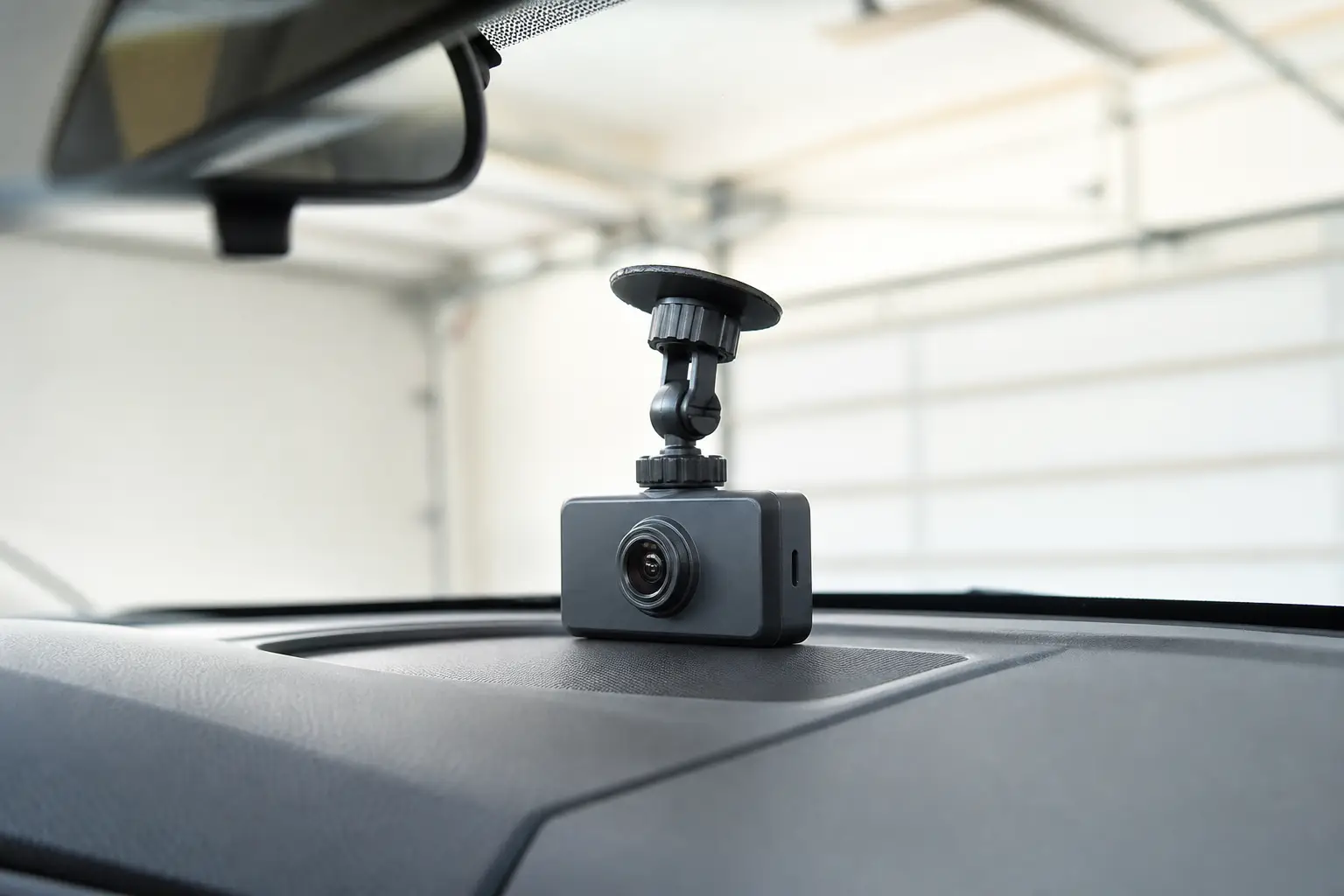
- Adhesive mounts are usually more secure and discreet, but harder to reposition.
- Suction mounts are easier to move, but can fall in heat or cold.
- Mirror-style dash cams fit over the rearview mirror, but can be bulky and vehicle-dependent.
- Rear cameras usually work best high on the rear glass if that gives a clear view.
- After installation, check the live view and confirm the horizon and lane position look right.
Compare the best dash cam setup by driver type
| Driver type | Best starting setup | Prioritise | Watch-outs |
|---|---|---|---|
| Everyday driver with secure parking | Good front-only or front and rear | Clear daytime footage, balanced field of view, reliable card | Do not overpay for parking features you will not power or use |
| Commuter or highway driver | Strong front camera, front and rear if budget allows | Plate readability, exposure control, stable mount | Very wide lenses can shrink distant vehicles |
| Street-parked owner | Front and rear with reliable parking power | Buffered events, impact detection, low-voltage cutoff, larger card | A 12V socket may not provide safe parked recording |
| Rideshare, taxi, or delivery driver | Front, rear, and cabin if cabin events matter | Cabin view, audio controls, privacy settings, storage capacity | Passengers may be recorded, so settings need attention |
| Fleet or professional driver | Front and cabin or connected multi-channel system | Incident review, GPS or time evidence, driver-facing footage, workflow features | Cloud or LTE features add setup, power, and subscription considerations |
| High-risk parking or commercial use | Multi-camera or 360° system | Coverage around the vehicle, parking mode, external power, large storage | Installation complexity and power demand rise quickly |
Compare dash cams
Live prices from more than 20 shops, updated daily.
Avoid these spec traps that can make footage unusable
The headline spec is often not the part that fails. These are the checks that stop a good-looking listing from turning into weak evidence.
- Buying cheap 4K without checking real footage. The sensor, lens, bitrate, exposure, and compression decide whether the extra pixels help.
- Choosing the widest field of view by default. Extremely wide views add context, but can reduce plate detail and distort the edges.
- Ignoring dual-channel compromises. Some kits lower front resolution or frame rate when the rear camera is connected.
- Trusting night vision labels. Check night samples with rain, tunnels, oncoming headlights, and car parks.
- Assuming parking mode is included safely. You may need a hardwire kit, OBD cable, external battery pack, and low-voltage cutoff.
- Using a standard memory card. Dash cams need high-endurance storage with suitable sustained write speed.
- Mounting it where it blocks the view or slips. If the camera is not aimed correctly, the clip may miss the evidence.
- Never testing retrieval. Save and play back a clip before an incident forces the issue.
FAQ: dash cam resolution, field of view, parking mode, storage, and installation
Is 1080p enough for a dash cam?
It can be enough for basic crash context, especially in daylight. If you want more room to crop into plates and road signs, 1440p or 4K gives more margin, but only if the camera has good optics, exposure, and compression.
Is a 170° field of view better than 140°?
Not always. A 170° view captures more surroundings, but it spreads pixels over a wider scene and can make vehicles smaller, especially near the edges. For evidence, a balanced field of view is often safer.
Should I buy front-only or front and rear?
Front-only is cheaper and simpler. Front and rear is better if you want evidence of rear-end impacts, tailgaters, and parking hits from behind. Check whether the rear camera reduces the front camera’s quality.
Will parking mode drain my car battery?
It can if it is powered from a live 12V socket without protection. For reliable parking mode, look for a hardwire kit, OBD cable, or dash-cam battery pack with low-voltage cutoff.
How much storage do I need?
As a guide, 64GB to 128GB suits basic 1080p front-only use, 128GB to 256GB suits many 2K, 4K, or front and rear setups, and 256GB to 512GB suits heavy parking use, long trips, or multi-channel systems. Check the camera’s supported maximum.
Are adhesive mounts better than suction mounts?
Adhesive mounts are usually more secure and discreet. Suction mounts are easier to reposition, but can fall in heat or cold. Whichever you choose, check the camera view after installation and again after a few days of driving.
Verdict: buy the most dependable evidence chain, not the biggest spec sheet
Choose the dash cam that records the evidence you are most likely to need, then make sure every link in the chain can support it.
- Pick coverage first: front-only, front and rear, or cabin as needed.
- Choose resolution with real footage checks, not the number alone.
- Keep field of view balanced so vehicles and plates stay large enough.
- Judge night footage by exposure control in hard scenes.
- Plan parking power before relying on parking mode.
- Buy high-endurance storage and maintain it.
- Use a mount that stays aimed and does not obstruct the driver.
For many drivers, the safest buy is a well-reviewed 1440p or 4K front camera with a balanced field of view, a rear camera if parking or rear impacts matter, dependable parking power, a high-endurance card, and a secure adhesive mount.
This article was created using AI, following our team's editorial standards.


