

Start with your ears and your routine, not the codec logo. Earbuds that seal comfortably, stay put and switch devices reliably will feel better every day than a pricier pair that leaks bass or makes you reach for your phone.
Choose by your daily routine before comparing specs
The right choice depends on where you wear them and what interrupts you. Pick the use case first, then judge sound, noise cancellation, battery and controls against that routine.
- Commuting, travel and open-office work: prioritize sealed active noise cancellation, natural transparency mode, long-session comfort and call quality.
- Hybrid work and study: look for clear microphones, multipoint pairing, reliable laptop and phone switching, and an easy mute control.
- Fitness and running: choose a secure fit with hooks, wings or clips, plus sweat or splash resistance, awareness mode and controls that work with sweat or gloves.
- Phone ecosystem use: check which features work fully on your phone, including the app, automatic switching, EQ, firmware updates and find-my tools.
- Budget or gift buying: put good fit, stable Bluetooth and usable controls before premium extras.
- Gaming and video: check for a low-latency mode or compatible dongle if lag bothers you, because standard Bluetooth can lag.
Fit is the performance feature: get the seal, comfort, and stability right
Fit affects the sound before the audio processing starts. A good ear-tip seal helps bass, passive isolation and active noise cancellation; a leak weakens all three at once.
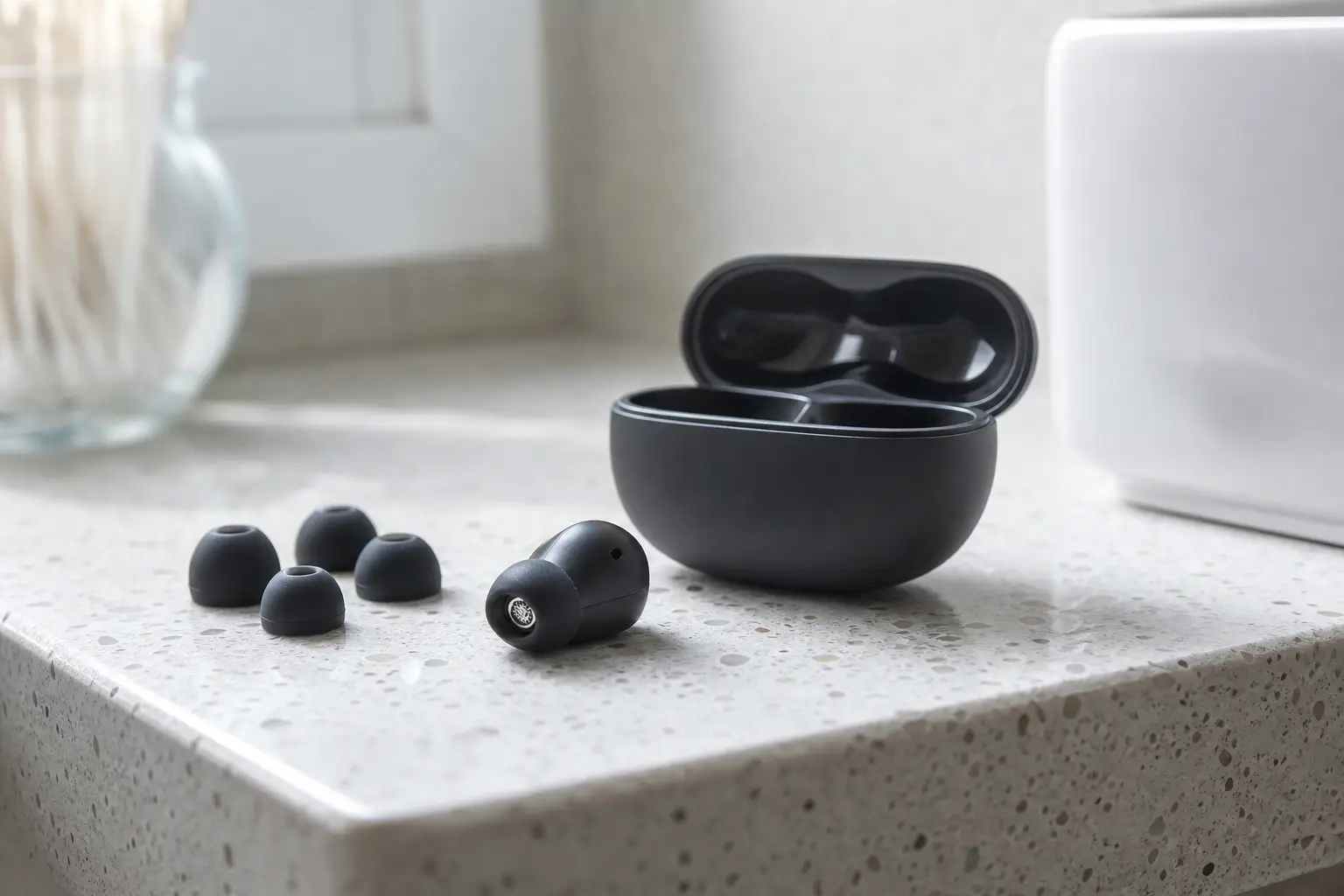
Sealed in-ear models use silicone or foam tips. Open or semi-open designs sit outside the canal and can feel less intrusive, but they usually give up isolation and deep ANC performance.
Do not treat fit as a comfort extra. A cheaper earbud that seals well can sound fuller and reduce more noise than a premium pair that leaks.
What to check before you buy
- Included tip sizes, especially extra-small or extra-large if standard tips rarely fit you.
- Wing tips, hooks or clips if you run, train or have earbuds that often loosen.
- Nozzle shape and angle, because some earbuds press against the ear canal even with the right tip size.
- Earbud weight and outer bulk, especially if you wear hats, helmets or lie on one side.
- Pressure feeling after 30 to 60 minutes, not just the first few minutes.
- Left and right fit differences. Many people need different tip sizes in each ear.
- Spare tip availability and the return policy.
How to test fit at home
- Try every included tip size, and test each ear separately.
- Play a bass-heavy track at your normal volume. If bass disappears when you move your jaw or turn your head, the seal is leaking.
- Walk around, talk, chew and tilt your head. The earbuds should not creep loose.
- Wear them for 30 to 60 minutes. A tip that seals but causes pressure pain is the wrong tip.
- Switch ANC and transparency mode on and off. Poor fit often makes both sound weaker or less natural.
- Test single-earbud use if you often keep one ear free.
A secure sport wing that rubs after half an hour is still the wrong fit, even if it survives a shake test. Comfort has to last as long as your real listening session.
Sound quality and ANC: judge what you hear, not the badges on the box
Judge sound and ANC with music you know, at the volume you actually use. Spec-sheet numbers can help you filter products, but driver size and frequency-response claims are not directly comparable across brands.
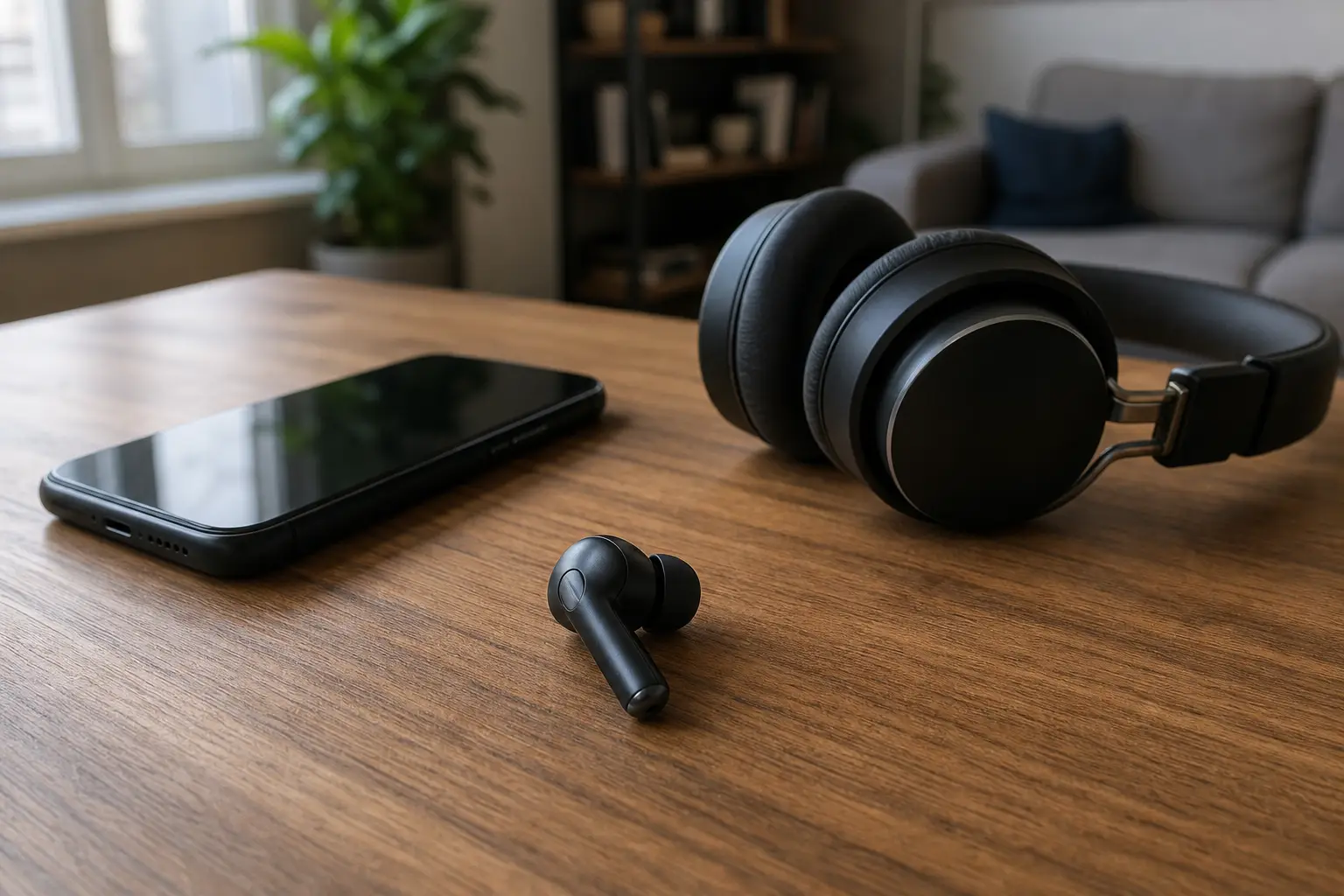
Sound quality: tuning beats driver claims
The seal, tuning and EQ app usually matter more than a large driver claim. Listen for balanced bass, clear voices, controlled treble and low distortion at your normal volume, not just loudness in a short demo.
Check whether the earbuds still sound balanced at low volume. Many people listen softly at work or on public transport, and some models lose bass or clarity when turned down.
Codec support: useful only if your devices agree
SBC and AAC are the baseline. LDAC and aptX-family codecs can help in the right setup, but only if both the earbuds and your source device support them and the connection stays stable.
For casual streaming, commuting and calls, fit, tuning and ANC usually matter more than a hi-res badge. Android support can vary by phone, app and earbuds; iPhone support follows its own ecosystem rules.
ANC and transparency: know the limits
ANC works best on steady low-frequency and mid-frequency noise: train rumble, aircraft cabin noise, bus engines, HVAC, office hum and café background. It will not erase everything.
- Voices, keyboard clicks, wind and sudden high-frequency sounds often cut through.
- ANC depends on passive isolation, so leaky tips reduce performance.
- Open-fit earbuds may be better for awareness, but usually cannot match sealed ANC earbuds.
- Transparency mode matters for announcements, road awareness and quick conversations. Listen for a natural sound rather than a hissy or digital edge.
Battery life that actually matches your day: buds-only ANC runtime, calls, and fast charging
Compare battery life by the charge you need in one sitting. Case totals are useful for travel, but they can hide earbuds that run short during calls, work sessions or long journeys.
- Earbuds-only runtime with ANC on: the key number for long calls, flights and focused work sessions.
- Total runtime with the case: useful for travel, but less useful if the earbuds themselves run short.
- Call runtime: often lower than music playback because microphones and processing are active.
- Fast charge: valuable if your routine includes short top-ups before leaving home, class or work.
As of 2026, recent lab-tested earbuds show a real spread, with examples around 6 to nearly 10 hours per charge with ANC. Treat that as a rough range, not a promise, because call use and processing can change the result.
For daily commuting, 5 to 6 hours buds-only with ANC may be enough. For workday calls or long flights, prioritize stronger buds-only ANC runtime over a 30 to 40 hour case claim.
Controls and connectivity: make sure they behave with your phone, laptop, and workouts
Controls and connectivity decide whether the earbuds stay pleasant after the first week. If you need the phone app for every small change, the earbuds can feel clumsy even if they sound good.

Controls you should be able to use without the app
- Volume up and down.
- Play, pause and track skip.
- ANC and transparency mode switching.
- Call answer, end and mute.
- Voice assistant access, if you use it.
- Single-earbud use without awkward compromises.
Touch, squeeze or click controls
Touch panels look clean, but they can misfire when you adjust the bud, wear a hat, have hair over the sensor or work out with sweat. Physical buttons or squeeze controls often feel more reliable for running, gym sessions and winter use.
Check control remapping in the app. A good app lets you change gestures, adjust EQ, run a fit test, see battery levels and install firmware updates on your phone OS.
Connectivity and compatibility checks
Do not assume every feature works on every phone. Phone brands and earbud brands often reserve automatic switching, deeper ANC settings, EQ access, firmware updates or find-my features for their own apps or ecosystems.
- Multipoint pairing for a laptop and phone at the same time.
- Auto-switching or fast pairing with the devices you own.
- Stable app support on your phone OS.
- Low-latency or game mode for gaming and video if lip-sync bothers you.
- Find-my-earbuds tools for the buds and case, if offered.
- Bluetooth LE Audio and Auracast only if both your source devices and earbuds support them. “Bluetooth 5.x” by itself does not guarantee Auracast.
Multipoint is the feature many hybrid workers should check first. It lets earbuds stay paired to a phone and laptop, which cuts the daily pairing shuffle.
Which wireless earbud type fits you best? A practical comparison table
Use this table to narrow the field before comparing individual models. The price bands are rough relative tiers; local pricing, sales and availability vary.
| Type | Best for | Approximate price band | Trade-offs to check |
|---|---|---|---|
| Basic true wireless | Gifts, backup pairs, casual listening, kids and teens | Roughly 20 to 50 | Usually weaker ANC, microphones, app support and durability |
| Budget ANC | Commuters on a budget and students | Roughly 40 to 100 | ANC can be inconsistent; controls and app quality vary |
| Midrange sealed ANC | Most buyers who want a balance of fit, ANC, battery and calls | Roughly 100 to 180 | May lack some ecosystem features or premium codecs |
| Premium ANC or ecosystem buds | Frequent travelers, heavy call users and buyers using a matching phone ecosystem | Roughly 180 to 300 | Expensive; best features may be locked to certain phones or apps |
| Audiophile or luxury wireless | Buyers prioritizing tuning, materials or niche codec support | Roughly 300 to 400+ | ANC and calls may not beat mainstream premium models |
| Sport, hook or wing designs | Running, gym and cycling where secure fit and awareness matter | Roughly 50 to 250 | Larger case, less discreet, sometimes weaker ANC |
| Open-fit, open-ear or clip designs | Comfort, road awareness and people who dislike sealed ear tips | Roughly 50 to 300 | Usually less bass isolation and weaker ANC than sealed in-ear designs |
Compare wireless earbuds
Live prices from more than 20 shops, updated daily.
Common buying mistakes that make earbuds uncomfortable or unreliable
Most bad earbud purchases fail in ordinary use, not in specs. These are the traps to avoid.
- Buying the model with the strongest ANC claim before checking the seal.
- Keeping tips that hurt because the app says the fit is good.
- Comparing only total case runtime instead of buds-only ANC runtime.
- Assuming ANC removes voices, wind, keyboard clicks and sudden noises.
- Ignoring microphone quality and mute control if you take calls.
- Choosing touch controls for sweaty workouts or gloves without testing them.
- Chasing LDAC or aptX-family codecs when your phone or laptop does not support them.
- Buying ecosystem earbuds without checking which features work on your phone.
- Assuming “sport” means waterproof or swim-safe. Check the IP rating and whether the case is water-resistant too.
- Never cleaning the tips and speaker mesh. Clogged mesh can reduce volume, ANC performance and microphone performance.
FAQ: choosing wireless earbuds
Should I choose sealed or open-fit wireless earbuds?
Choose sealed in-ear earbuds if you want stronger bass, passive isolation and ANC. Choose open-fit or open-ear designs if comfort and awareness matter more than maximum noise reduction.
Can open-fit earbuds have good noise cancellation?
They can reduce some background noise, but they usually cannot match sealed ANC earbuds because they do not block the ear canal. The missing passive isolation limits what ANC can do.
How much battery life do I need?
For daily commuting, 5 to 6 hours buds-only with ANC may be fine. For long calls, work sessions or flights, look for stronger buds-only ANC runtime and check call runtime separately.
Are hi-res codecs worth paying more for?
Only if your earbuds and source device both support the codec and keep a stable connection. For most casual streaming and commuting, fit, tuning and ANC matter more.
Are touch controls better than physical buttons?
Touch controls can be convenient, but they can misfire with sweat, hair, hats or adjustments. Physical or click controls are often more dependable for workouts and cold-weather use.
What durability checks matter for workouts?
Look for sweat or splash resistance at minimum, and check the actual IP rating. Do not assume a sport design is waterproof or safe for swimming, and remember that the case may have a different level of protection.
Verdict: buy the earbuds you can seal, wear, and control every day
Choose wireless earbuds in this order: routine, fit, sound and ANC, battery, then controls and compatibility. The best buy is the pair you can seal without pain, wear for your longest session, control without fuss and trust to connect to the devices you use every day.
If you are torn between a better spec sheet and a better fit, choose the better fit. It affects bass, ANC, comfort and how often you will reach for the earbuds.
This article was created using AI, following our team's editorial standards.