


Read the wattage on the laptop’s supplied adapter, then choose a charger that still delivers that amount when a phone shares it. For most students with a 65W laptop, that means a documented 100W multi-port charger, a 5A cable and, if campus days demand it, a power bank rated at 65W output and no more than 100Wh.
Keep the box charger if it already fits: who benefits from one-brick USB-C power and who should stick with the OEM supply
Keep the manufacturer-supplied charger unless extra ports, less bulk or travel convenience solve a real problem.
- A commuter carrying a laptop, phone and headphones benefits from one compact two-port charger.
- A student in shared housing can use two or three USB-C ports to make better use of limited sockets.
- An exchange student should check for 100 to 240V, 50/60Hz input and a suitable plug design.
- Samsung Galaxy and Google Pixel owners have a stronger reason to choose PPS support.
- A student with a 130W or higher gaming or workstation laptop should usually retain the supplied high-power adapter. USB-C charging may support light use or backup power only.
If the box charger supplies the recommended wattage, fits the bag and usually charges only the laptop, replacing it duplicates working equipment. A travel spare becomes useful when it combines the laptop and phone chargers without reducing the laptop’s allocated power.
Match the laptop’s real demand: when 30 to 45W charges, when 65 to 100W is needed and when USB-C only slows the drain
The wattage printed on the supplied laptop adapter is the best starting point because no universal wattage guarantees that a running laptop will gain charge.
Battery charge rate is roughly the power accepted from the charger minus the power the laptop is using. If a charger supplies 45W while a laptop consumes 35W during note-taking, about 10W remains for the battery. During rendering or gaming at 55W, the battery can continue to drain, though more slowly than it would unplugged.

- 30 to 45W: suitable for many low-power ultraportables, MacBook Air models and Chromebooks. A 65W Windows laptop may charge only while sleeping or under light use.
- 65 to 70W: a strong single-device tier for mainstream student laptops. Sharing with a phone often reduces the laptop port to around 45W.
- 100W: the practical tier for a laptop supplied with a 65W adapter when a phone or tablet must charge at the same time.
- 140W: appropriate for a 90 to 100W performance laptop plus a phone, or a compatible 140W EPR laptop charged alone.
- 130W and above with proprietary charging: retain the manufacturer’s adapter unless the laptop manual confirms adequate standard USB Power Delivery input.
Buy for two devices at once: check the port-allocation table before trusting a 65W, 100W or 140W headline
A charger’s total wattage tells you little until you find the manufacturer’s shared-output table.
A common 65W dual-port design provides 65W with one device connected, then 45W plus 20W with two. That works for a 30 to 45W ultraportable and phone. A laptop designed for 65W has already been downgraded. A useful 100W model should maintain around 65W for the laptop and 25 to 30W for the second device.
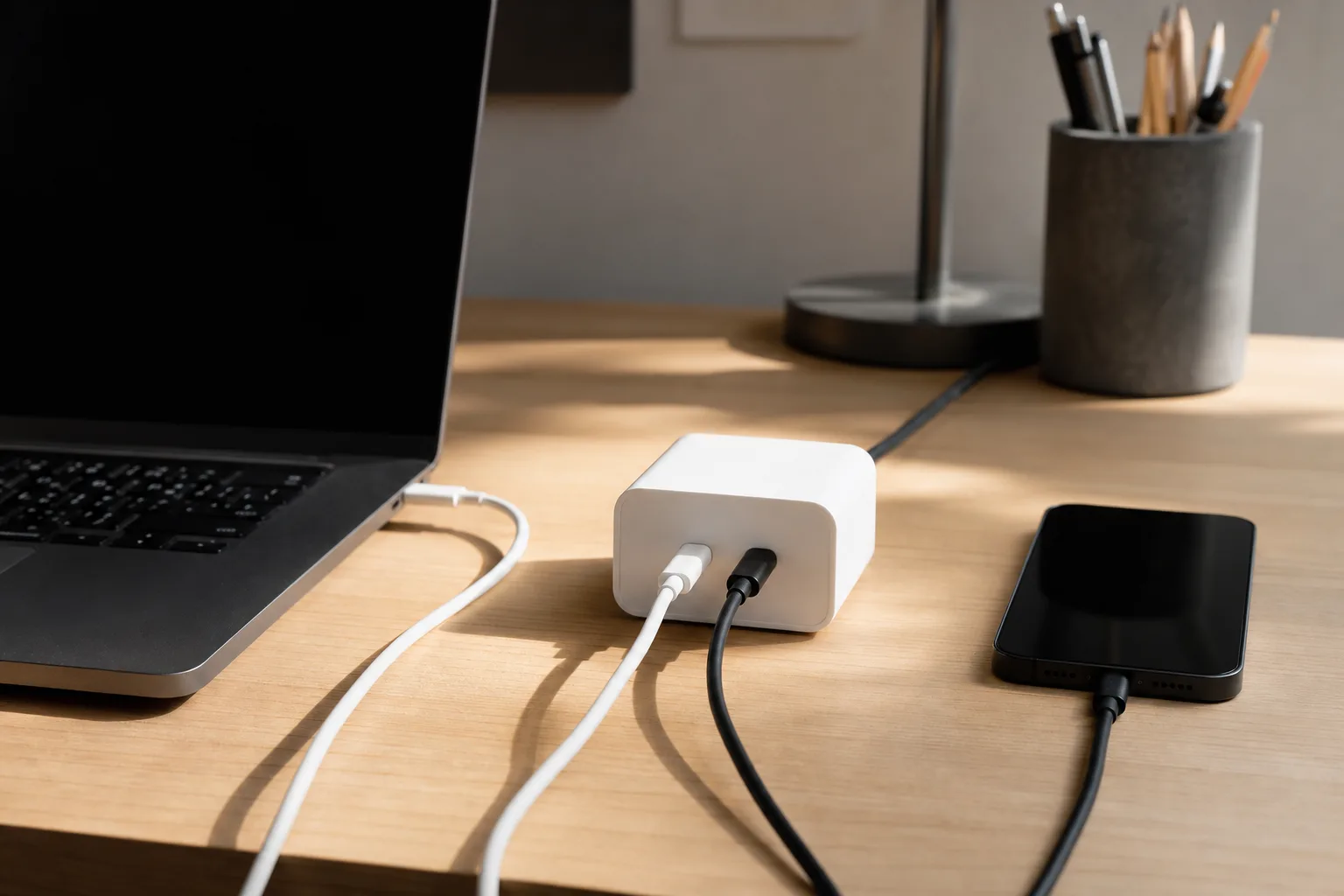
There’s no standard split for each charger class. One 35W dual-port adapter divides power into 17.5W per device in a common pairing, while some newer designs use priority rules instead of fixed halves.
- Find the allocation table on the manufacturer’s product or support page.
- Confirm which physical USB-C socket carries the highest output.
- Read the two-port and three-port rows separately.
- Check that the laptop port still meets its supplied adapter wattage.
- Treat phrases such as “total 100W” and “up to 100W” as incomplete specifications.
Decode the whole power path: USB PD profiles, useful PPS support and the 60W or 240W cable that sets the final speed
Actual speed stops at the lowest ceiling set by the laptop input, charger profile, shared allocation and cable.
USB Power Delivery lets the charger and device agree on a supported voltage and current. Current PD standards reach 240W, with output above the older 100W range commonly called Extended Power Range, or EPR. The version number alone is a weak shopping shortcut. Read the per-port output profiles and allocation table.
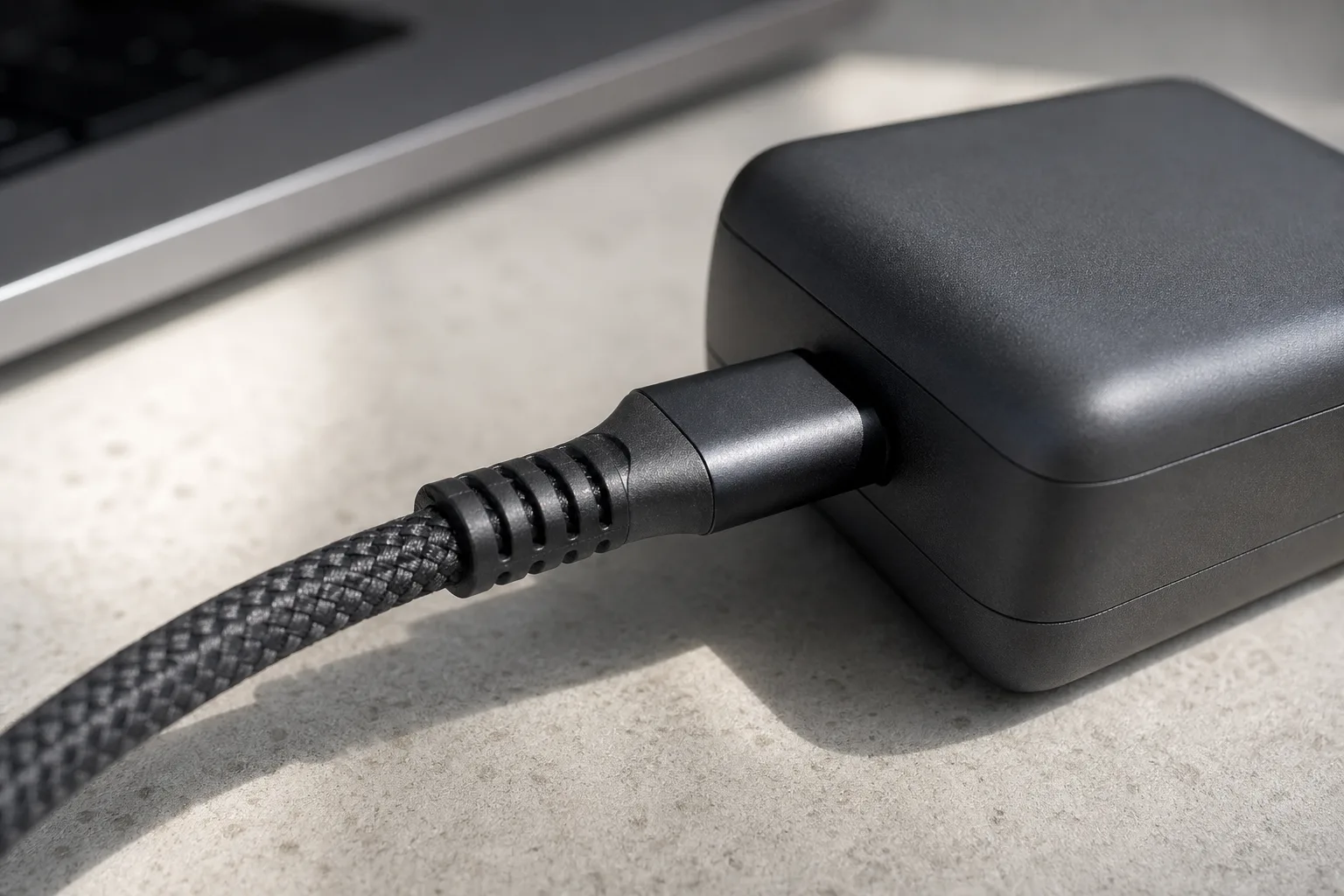
- A 60W cable supports standard 3A charging and can cap a 65W, 100W or 140W charger at 60W.
- For more than 60W, choose a 5A electronically identified cable from a credible supplier.
- For more than 100W, use a cable explicitly marked 240W or EPR.
- Cable power and data speed are separate. A 240W charging cable may carry basic USB 2.0 data, while a fast data cable still needs a verified power rating.
- Compatible Samsung 45W charging requires a 5A cable, despite 45W sitting below the usual 60W threshold.
PPS allows compatible devices to request finer voltage adjustments within USB PD. Pay for it when the bag includes a compatible Samsung Galaxy or Google Pixel device, and check that the listed PPS range meets that device’s requirements. PPS adds little to a laptop and iPhone-only setup.
Choose a laptop power bank by output and watt-hours: why 20,000mAh is not a guaranteed full charge and 100Wh or less is the easy carry-on limit
Choose capacity in watt-hours and charging usefulness in watts, since a large battery with a weak output still makes a poor laptop bank.
- 10,000mAh is typically around 36 to 38Wh.
- 20,000mAh is typically around 72 to 74Wh.
- 25,000mAh is roughly 90 to 93Wh.
- 26,800 to 27,000mAh is often around 99 to 100Wh, depending on cell voltage.
- 30,000mAh commonly exceeds 100Wh and brings more airline restrictions.
A current 20,000mAh example stores 74Wh and weighs 402g. Thin-laptop batteries commonly hold around 54 to 57Wh, while a 14-inch performance laptop can hold about 72Wh. Conversion losses and the laptop’s own consumption mean the full 74Wh never reaches its battery, so the same bank can provide a substantial refill for the smaller laptop and less than one full charge for the larger one.
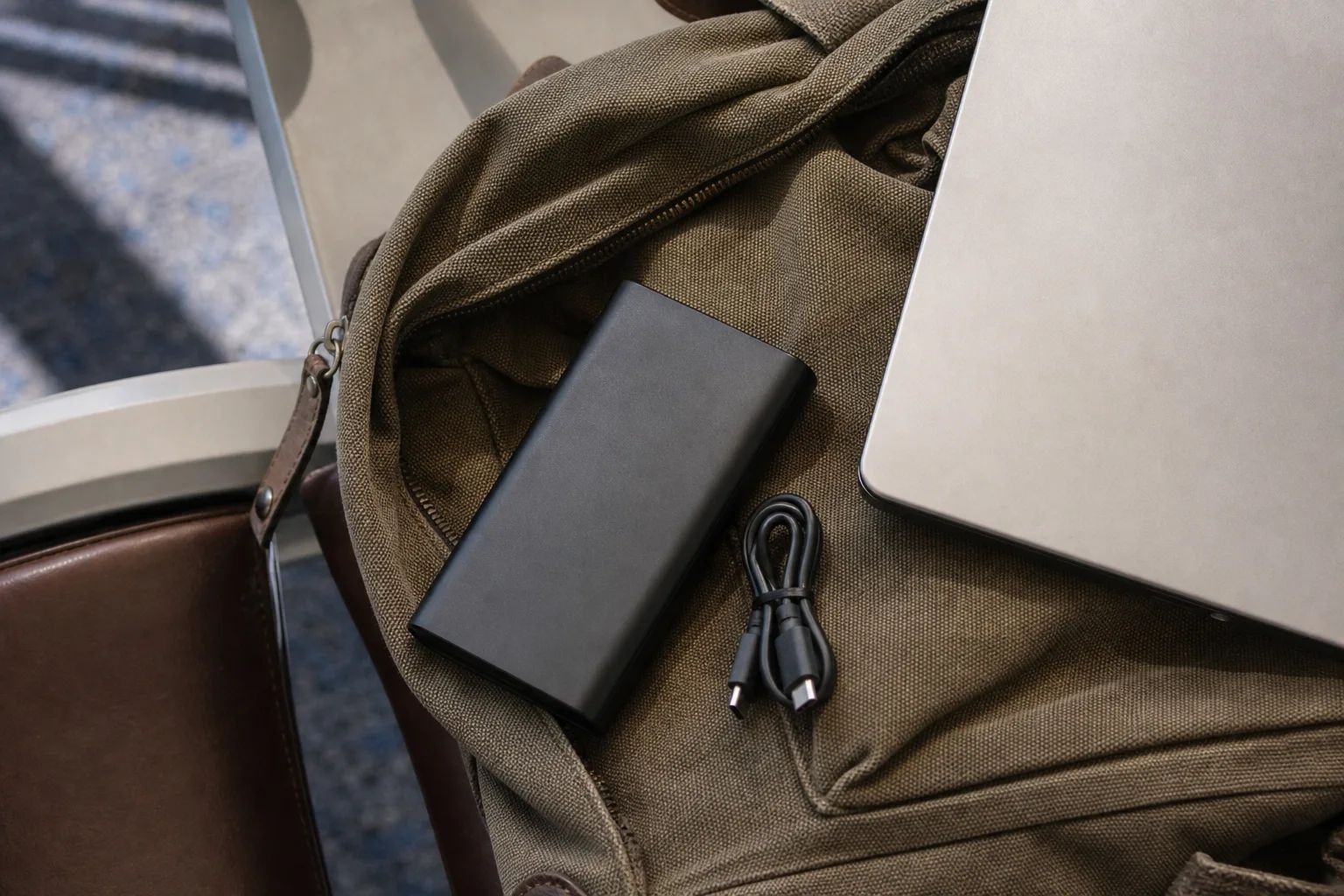
Choose 45W output for low-power ultraportable emergency use, 65W for mainstream laptops and 100 to 140W for performance models. Check the highest single-port output because combined output can hide a weaker laptop port. Input matters too: a 74Wh bank at 18W needs at least 4.1 hours by basic energy arithmetic, before losses and charging taper.
Student-bag shortlist compared: 65 to 70W for low-power laptops, 100W for the mainstream and 140W for performance models
The right charger tier follows the laptop’s supplied wattage under the shared configuration you plan to use.
| Laptop baseline | Recommended charger | Useful shared mode | Cable requirement | Main limitation |
|---|---|---|---|---|
| 30 to 45W | 65 to 70W dual-port | Around 45W plus 20W | 60W can work, 5A gives more flexibility | A 65W laptop loses speed when the second port is active |
| 65W | 100W multi-port | Around 65W plus 25 to 30W | 5A cable rated for at least 100W, or current 240W marking | Check that 100W is available from one USB-C port |
| 90 to 100W | 140W multi-port | At least 90 to 100W plus phone power | 240W or EPR cable for output above 100W | Higher price and more bag bulk |
| 130W or higher gaming or workstation laptop | Manufacturer-supplied adapter unless standard PD support is confirmed | Model-specific | Use the supplied high-power cable | Universal USB-C may support light use only |
Avoid expensive mismatches: proprietary gaming-laptop power, weak shared splits, slow bank inputs and GaN marketing without useful specifications
Spend on specifications that change charging or daily handling, and ignore decoration that leaves the power path unchanged.
- Two USB-C ports with clear labels and a published allocation table.
- PPS for compatible Samsung Galaxy and Google Pixel devices.
- A foldable plug in flat-pin markets, where exposed pins can catch inside a bag. It has less value with fixed European or UK-style plug formats.
- 100 to 240V, 50/60Hz input for international use.
- A two-year or longer warranty and accessible recall support.
- A current 240W-marked cable from a credible supplier, especially if it will serve several laptop generations.
- GaN generation numbers. GaN can help make a high-output charger smaller, but it doesn’t improve a weak port split.
- Digital wattage displays and illuminated cable connectors.
- “AI” power-management names without a clear allocation table.
- Large port counts built around several low-power USB-A sockets.
- “Fast charging” claims that omit PD or PPS profiles.
- Very high combined output when no single port meets the laptop’s requirement.
Wall-charger and power-bank hybrids also demand scrutiny. They tend to be heavier than a dedicated wall charger and lower in capacity than a dedicated bank. Confirm that battery mode retains enough output for the laptop.
FAQ: higher-wattage safety, 240W cables, USB-C charging support and flying with power banks
A few checks resolve the compatibility questions that product headlines usually leave unanswered.
Can a 140W USB-C charger damage my phone?
A compliant USB PD system negotiates the power the phone accepts. The charger’s 140W rating is its available capacity, and it doesn’t force that full output into a lower-power phone.
Do I need a 240W cable with a 65W charger?
A genuine older 100W or 5A cable is sufficient for 65 to 100W charging. Current USB-IF-certified consumer cable markings use 60W or 240W, so a 240W-marked cable is the clearest new purchase above 60W.
Does every laptop USB-C port accept charging?
No. USB-C ports support different combinations of data, video and power. Check the laptop manual or specification for explicit USB PD input support and identify which port accepts it.
How can I check a power bank for flying if the front shows only mAh?
Look for the Wh figure on the regulatory label. If needed, calculate Wh as mAh divided by 1,000, multiplied by the stated nominal battery voltage. Choose 100Wh or less and verify the airline or operator’s current rules.
Why did charging slow down after I unplugged the second device?
Some multi-port chargers can still react to an unused cable left attached. Disconnect that cable from the charger, then reconnect the laptop to restore the expected single-port mode.
Verdict: match the OEM wattage under shared load, add the right cable, then pay for PPS or a foldable plug only if you will use it
Start with the supplied laptop adapter’s wattage and demand that same figure from the laptop port while the phone is connected. Most students with a 65W laptop should choose a documented 100W multi-port charger, a 5A cable with a suitable rating and a 65W power bank at 100Wh or less if they need off-grid charging. Keep the box charger for proprietary high-power laptops or whenever it already handles the job.
Compare 100W USB-C chargers
Live prices from more than 20 shops, updated daily.
This article was created using AI, following our team's editorial standards.