

Get the department’s current software and operating-system list before spending anything. If the laptop you already own clears those requirements and still lasts through a useful campus day, keep it. Otherwise, start at 16 GB RAM and 512 GB storage, then put the remaining budget into battery life, low carrying weight and repairable construction.
Check the course first, and keep your current laptop if it clears the real requirements
A departmental requirement can rule out an otherwise excellent laptop in one line. Ask for the written requirements for the exact course, including required operating system, processor architecture, graphics, exam software and access to virtual desktops.

- Keep the current laptop if it runs every required application, receives operating-system updates and has enough battery for the student’s timetable.
- For humanities, law, business, education, nursing, medicine and most social sciences, choose a 13 to 14-inch laptop with integrated graphics.
- For mostly desk-based study, a 15 to 16-inch mainstream laptop can give more screen space and ports for less money than an ultraportable.
- For architecture, engineering, GIS, animation, game development and serious video work, follow the department’s named software requirements.
- Choose a Chromebook only for a course built around browser tools. Check the exact model’s update expiry date, which starts from the platform release rather than the purchase date.
Set a 2029-ready floor for memory and storage
For a new general-purpose purchase, set the floor at 16 GB RAM and a 512 GB SSD. Fixed 8 GB memory leaves little room for heavier websites, video calls, reference tools and several years of software updates.
- 16 GB RAM suits essays, research, spreadsheets, ordinary statistics, light coding and most science courses.
- 32 GB makes sense for virtual machines, containers, larger datasets, BIM, substantial GIS, 3D work and 4K video.
- 64 GB belongs to specialist local simulations, very large BIM models and professional-scale media work. Confirm that the university cannot provide remote computing first.
- 512 GB is the practical storage floor. Choose 1 TB for CAD projects, video, audio, game development or several years of offline data.
- A 256 GB drive works for disciplined cloud-centred study, but it becomes a poor long-term choice when the storage is soldered.
| Degree workload | Defensible target | Hardware usually safe to skip |
|---|---|---|
| Humanities, law, business, health and most social sciences | 16 GB, 512 GB, integrated graphics | Dedicated graphics and 4K display |
| Computer science and data work | 16 GB minimum, 32 GB for virtual machines or large local datasets | Dedicated graphics unless graphics or local machine learning is required |
| Mathematics and general science | 16 GB, with 32 GB for heavy local computation | Workstation graphics without a named workload |
| Engineering, architecture and substantial GIS | Usually Windows x86-64, 32 GB, 1 TB and dedicated graphics | Thin consumer models chosen before checking CAD requirements |
| Video, animation, 3D and game development | 32 GB, 1 TB and dedicated graphics with suitable VRAM | Ultra-thin designs that restrict sustained performance |
Count the charger weight and plan for hundreds of battery cycles
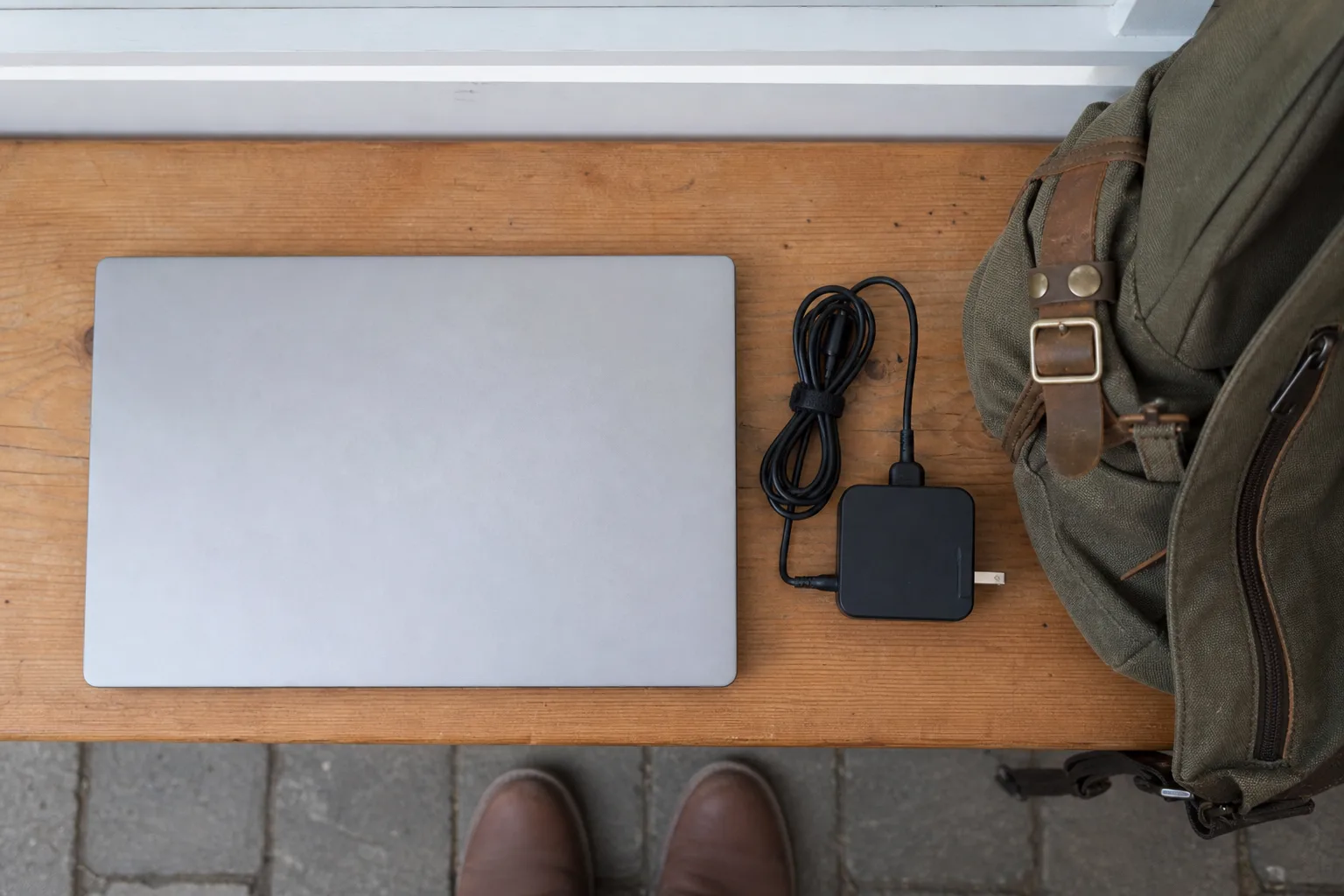
Daily carrying weight and remaining battery capacity will shape campus use long after processor benchmarks have been forgotten. A student carrying an extra 0.7 kg on 200 teaching days each year feels that choice on 800 journeys during a four-year degree.
- About 1.0 to 1.4 kg at 12 to 14 inches is ideal for frequent campus travel.
- About 1.3 to 1.7 kg at 14 to 15 inches is the useful middle ground for many students.
- About 1.6 to 2.1 kg at 15 to 16 inches suits split-screen work and desk-heavy study.
- Above roughly 2 kg belongs to workloads that genuinely need workstation cooling and graphics. Add the supplied charger and adapters before deciding.
Four years of half to one full equivalent cycle across 200 teaching days can total 400 to 800 cycles. Five years can approach 500 to 1,000. A published target of 80% capacity after 1,000 cycles, or an affordable replaceable battery, has real value. Ten usable hours at launch becomes roughly eight at 80% health under the same workload.
- Look for a published cycle-retention target and independent runtime results.
- Check whether the battery can be replaced separately from the top case or motherboard.
- Find the local price and availability of a replacement battery.
- Read the battery warranty separately from the main laptop warranty.
- Keep smart charging enabled during long periods at a desk, and keep vents clear of bedding and other soft surfaces.
Prioritise the parts that cause trouble in year three
A stable keyboard, controlled hinges and accessible service parts deserve close inspection on a four-year purchase. There is no reliable cross-brand database for keyboard presses or hinge cycles, so use model-specific evidence and physical checks.
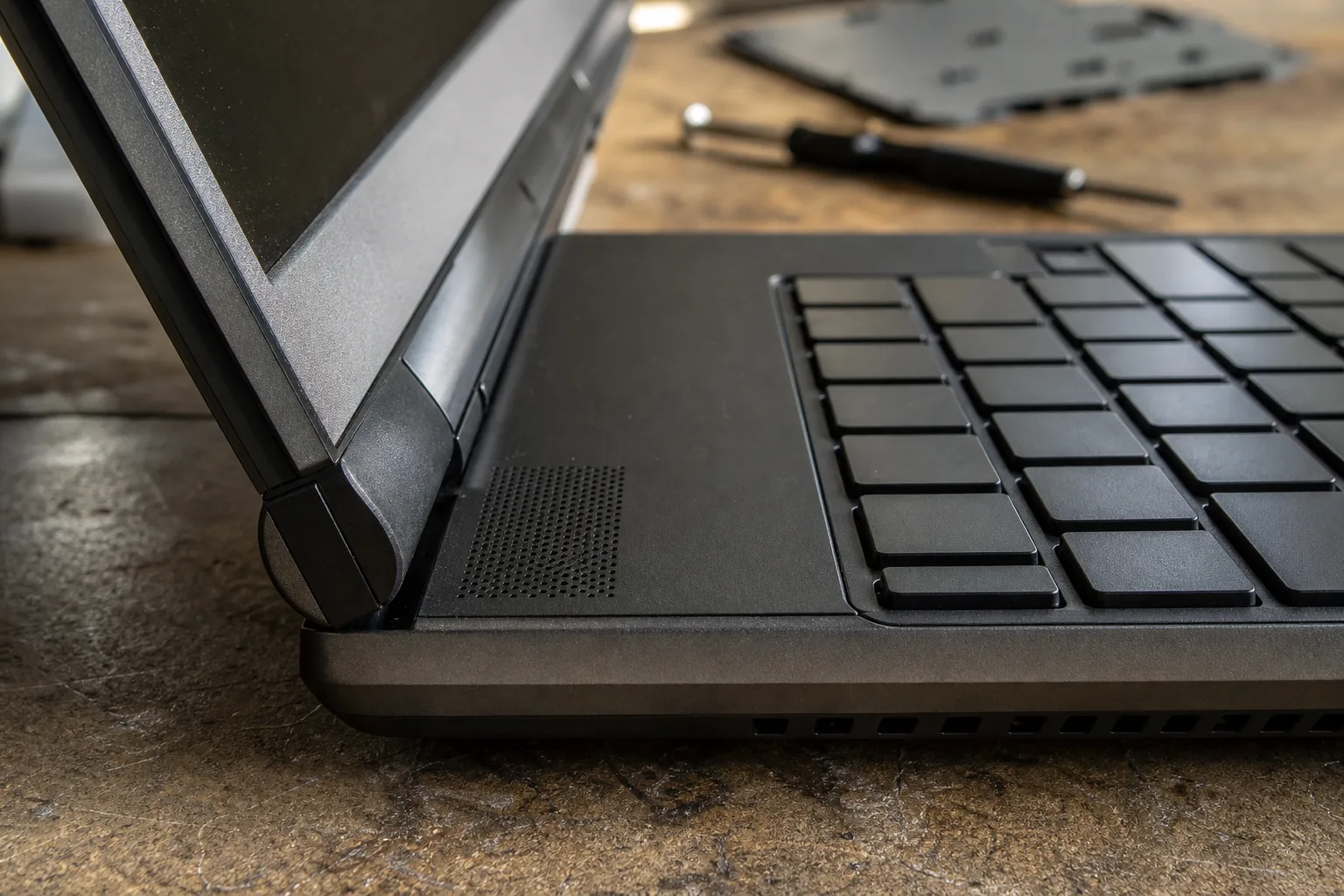
- Press the keyboard deck and palm rest with normal typing pressure. Reject obvious flex or uneven keys.
- Open the display slowly. The resistance should stay even, without cracking sounds, sudden looseness or severe lid twisting.
- Check the public service manual for separate battery, keyboard, fan, SSD and charging-port replacement.
- Confirm local parts availability and prices. A repairability score alone cannot guarantee affordable parts.
- Look for two versatile USB-C ports, preferably with charging from either side. Add USB-A, HDMI or card slots only where the course equipment requires them.
- Check that the charger is included and supports the laptop at full power.
Treat “military tested” as a limited claim. Manufacturers can select particular procedures, and such testing does not guarantee future performance or place accidental damage under the standard warranty. A metal lid also says little about the hinge mounts beneath it.
See what each price tier really buys, and ignore unhelpful badges
Core mainstream laptops are the value centre for most students, while premium spending earns its keep through lower weight, better battery life, a stronger chassis and longer support. These relative bands reflect the market at the July 2026 research cut-off, so compare them with current local prices.
| Tier | Where the money goes | Best fit and main risk |
|---|---|---|
| Entry | Basic processor, plastic chassis, modest screen and smaller battery | Tight budgets and light work. Avoid fixed 8 GB memory and 128 GB storage. |
| Core mainstream | 16 GB and 512 GB become realistic, with USB-C charging, a better webcam and a useful 16:10 display | The right tier for most students. Inspect keyboard and screen quality. |
| Premium general-purpose | Lower weight, longer battery life, better keyboard, speakers, construction and warranty | Frequent commuters. Student applications often run little faster than on mainstream hardware. |
| Specialist performance | Dedicated graphics, 32 GB RAM, 1 TB storage and larger cooling systems | CAD, BIM, 3D, video and game development. Expect more weight, heat and charger bulk. |
| Professional and ultra-premium | High-end graphics, 64 GB or more, workstation support or luxury displays | Only for confirmed local workloads. Returns diminish quickly for ordinary study. |
Moving from a strong mainstream laptop into premium territory can add roughly half again to the price near the tier boundary. That extra money is best spent on a lighter body, a larger usable battery, a better keyboard, replaceable parts and stronger warranty coverage.
- A Core i7 or Ryzen 7 family badge says little without the generation, power class and cooling design.
- A 4K display below 16 inches adds cost and power demand with limited benefit for general study.
- A 120 or 144 Hz screen is useful for games and animation review, with little academic value elsewhere.
- An OLED screen, touch display or 2-in-1 hinge earns its price only when colour work, media viewing or regular pen use is planned.
- A 40-TOPS NPU qualifies a machine for an AI PC category. Essays, browsing and conventional coding do not require it.
Compare the sensible shortlists
Most buyers should begin with a 13 to 14-inch thin-and-light laptop offering 16 GB RAM, 512 GB storage and integrated graphics. Move to another type only for a clear course or working-style reason.
- Thin-and-light clamshell: the default for lectures, libraries and commuting. Check keyboard quality and port selection.
- Larger mainstream laptop: useful for spreadsheets and split-screen reading, especially when the machine stays near a desk.
- Specialist workstation or gaming laptop: appropriate for named CAD, 3D, rendering or game-development workloads. Pair dedicated graphics with 32 GB RAM and 1 TB storage where the software guidance supports it.
- Chromebook: suitable for verified browser-only courses. Check exam software and the exact update-expiry date.
- Refurbished business laptop: strong value for writing, programming and general study when the seller documents condition, battery health and warranty.
Compare 14-inch laptops
Live prices from more than 20 shops, updated daily.
Avoid the false economies
The cheapest specification can become the expensive choice once an unchangeable limitation appears in the second or third year.
- Fixed 8 GB RAM on a machine expected to last four or five years.
- A 256 GB soldered drive for CAD, media or large offline projects.
- A refurbished laptop whose seller withholds battery health or lock status.
- A Mac, Chromebook or Windows-on-ARM laptop bought before checking every required application.
- Dedicated graphics purchased for vague future use, bringing extra weight, fan noise and shorter unplugged runtime.
- A thin chassis with riveted keyboard parts and soldered storage when a serviceable alternative costs a little more.
University laptop FAQs
Platform details, upgrade routes and warranty wording can change the decision even after the headline specification looks right.
Can I buy a Mac for university?
Yes, if the department approves macOS for every required application. Current Apple-silicon Macs cannot use the old Boot Camp arrangement, and virtualised Windows does not guarantee support for engineering software, exam tools or licence systems.
Is Windows on ARM ready for a university course?
Only with written confirmation for the full software list and required peripherals. MATLAB can run through emulation, for example, while some capabilities remain unsupported. One compatible application does not prove whole-course compatibility.
How do I check battery health on a refurbished laptop?
On Windows, run powercfg /batteryreport and compare full-charge capacity with design capacity. On macOS, check battery health and cycle count in System Information. A machine near 80% health needs enough remaining runtime for the student’s timetable.
Which laptop upgrades are realistic?
Check the service manual for socketed, partly socketed or soldered memory and storage. An accessible SSD is commonly useful. Soldered RAM fixes the day-one capacity for the life of the machine.
What should a university laptop warranty cover?
Read the battery terms separately because battery cover can be shorter than the laptop warranty. Also verify who handles repairs locally, the return period and whether refurbished cover includes parts and labour.
When should I buy a university laptop?
Buy after the department publishes current requirements and early enough to inspect the machine within its return period. Seasonal promotions help only after compatibility, configuration and warranty have been matched exactly.
The year-three verdict
Verify the course platform first. For most students, choose 16 GB RAM, a 512 GB SSD, integrated graphics and a 13 to 14-inch body, then spend available budget on battery durability, carrying weight, keyboard quality, repair access and warranty. Specialist hardware needs a named workload; everyone else gains more from a laptop that remains comfortable and repairable through the final year.
This article was created using AI, following our team's editorial standards.