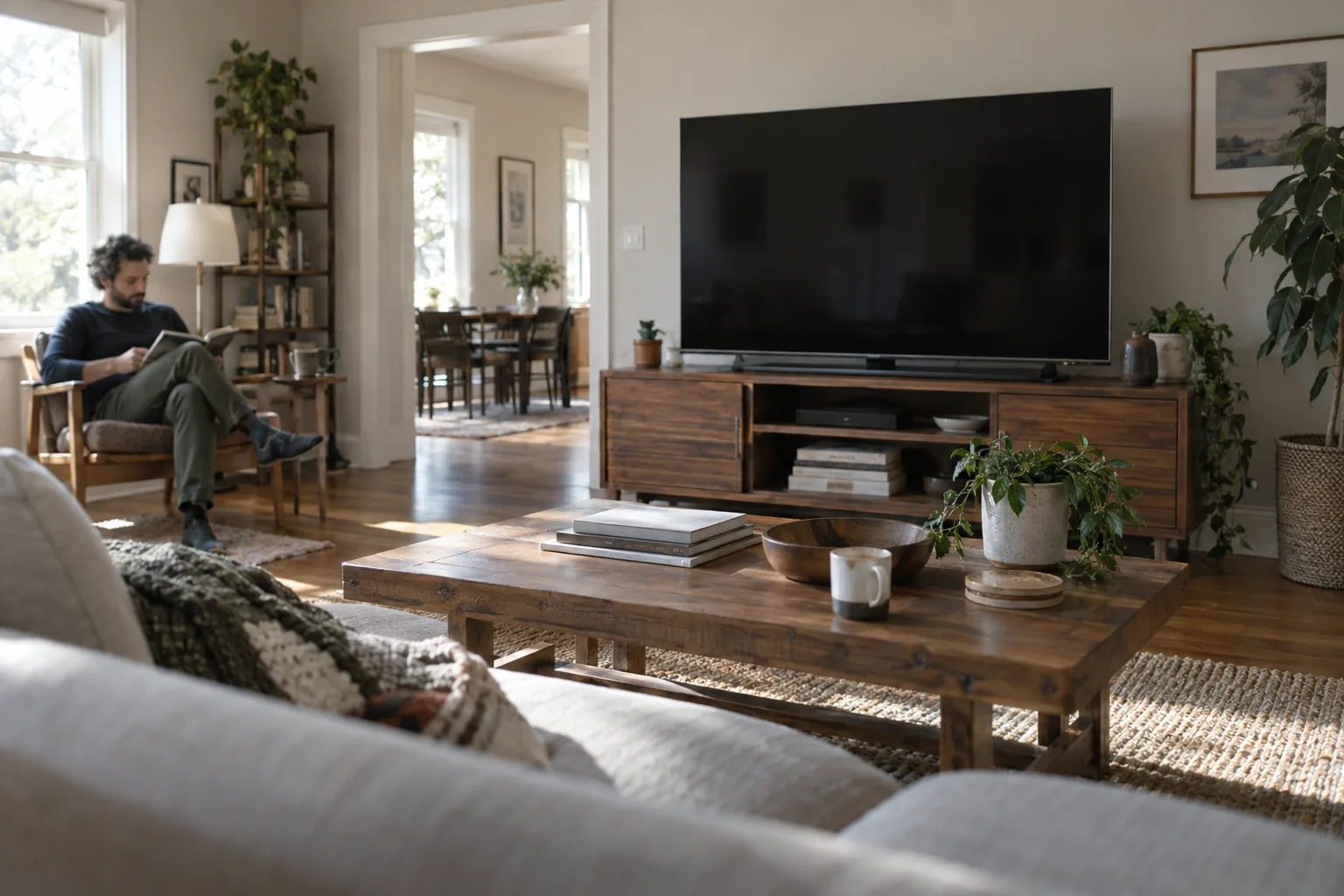

Try a few loans from your library on the tablet you own before buying anything. If the novels you want can reach a compatible E Ink reader, its lighter screen and longer time between charges can earn its price over long evenings. If those loans stay inside a library app, keep the tablet.
Your existing tablet is the best first trial
A working tablet lets you check real loans without another hardware purchase. Open your library’s digital service, borrow a book you’d read and enlarge the type. If two hours of reading feels comfortable, you don’t need a dedicated reader. A phone can serve the same trial, though its smaller page may tire your patience with a long novel.
A dedicated E Ink reader makes most sense for frequent, handheld reading of continuous text. A tablet earns its place when your books need an app, color, spoken-reading tools or frequent zooming. A Fire tablet is a tablet with its own app route; it isn’t an E Ink Kindle.
A library card cannot guarantee reader access
Check the borrowing path for three likely reads before choosing a model: a recent novel, an older title and an illustrated book if you read them. Look at the individual title’s formats and edition. A library may use a service other than Libby, and even a participating library chooses its own collection.
- Find your library’s digital lending service and confirm that the titles you want are there.
- Open each title’s details to check its reading formats, loan period and hold queue.
- Match that loan route to the exact device model and your location. Ask the library how sign-in or file transfer works.
- Try the steps on your current device. If a reader requires a computer transfer for every loan, decide whether you’ll actually do it.
| Borrowing route | Where it works | Check before buying |
|---|---|---|
| Library app on a compatible tablet or phone | Read in the app, often with an offline download option. | Confirm the app runs on the device and carries your library’s titles. |
| Libby to an E Ink Kindle | Eligible ebooks from US libraries can use the Kindle hand-off. | Outside that route, don’t assume local Libby loans transfer. Check the title’s Read With option before borrowing. |
| Libby to a supported Kobo reader | Built-in borrowing or syncing may work with participating libraries in supported markets. | Check whether your library and the exact Kobo model support the loan. The loan must match an edition in Kobo’s catalog; Libby magazines and library audiobooks do not sync. |
| Downloadable loan to an ADE-compatible reader | A computer can transfer an eligible EPUB or PDF loan using Adobe Digital Editions (ADE). | Confirm the library’s loan license and the exact reader’s support. Expect authorization and a USB-transfer step. |
In the US, eligible Libby ebooks from participating libraries can be sent to Kindle, but not every title is eligible. Other library services, including hoopla and cloudLibrary, may require their own apps and may not work on E Ink readers. Check your library’s actual service and the exact device. Kobo’s built-in OverDrive borrowing also depends on the library and supported market. For borrowing flexibility, a compatible tablet wins; a reader needs a proven route to the books you want.
E Ink favors long sessions with novels
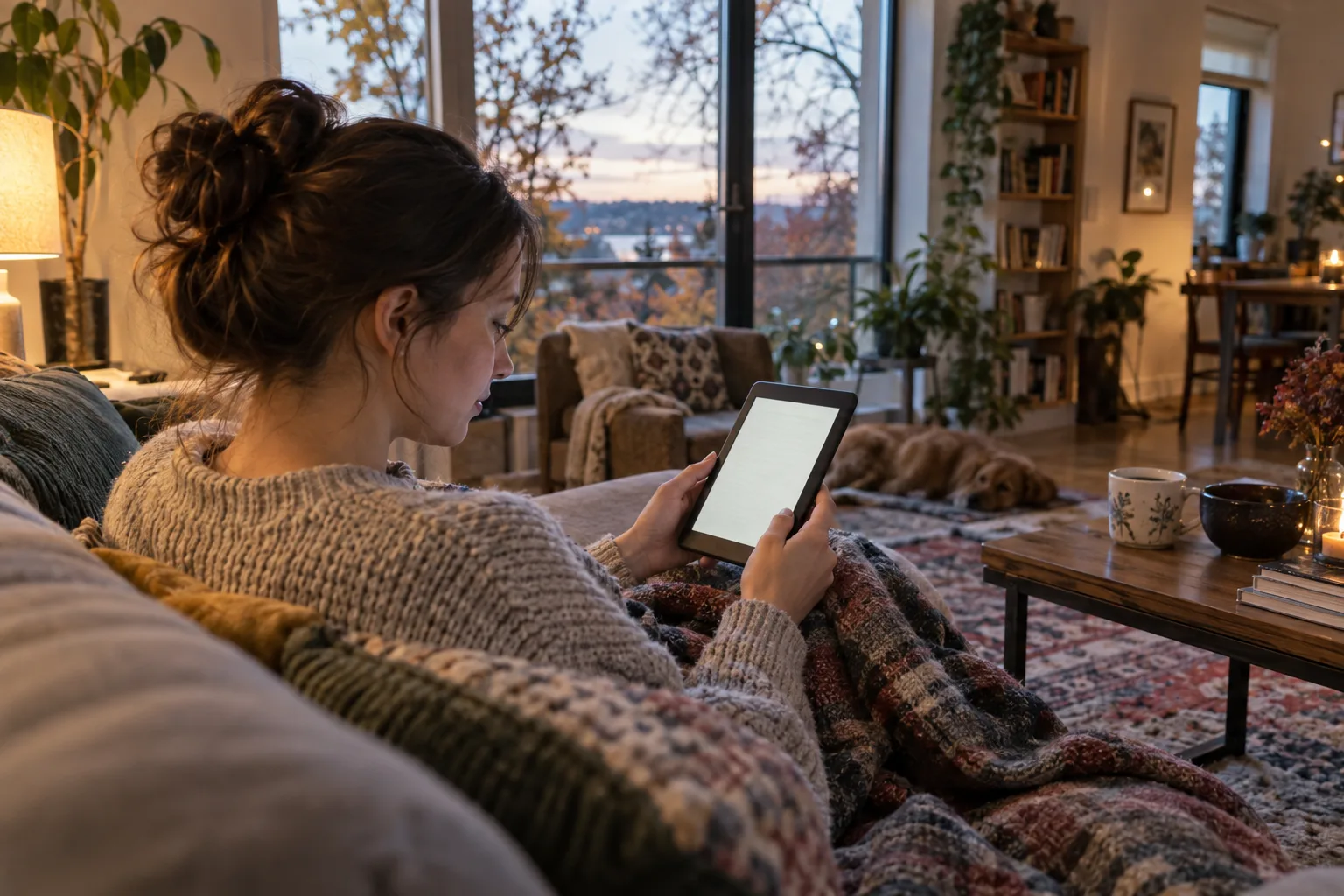
For a two-hour novel session, a lightweight monochrome reader is the handheld comfort pick. E Ink reflects room light, and an optional front light shines onto the display. That light is still a light source, so keep the page comfortably lit rather than treating the reader as a medically light-free screen.
Imagine reading on a sofa for two hours with a lamp beside you. A Kobo Clara BW weighs 6.1 oz; an 11-inch iPad A16 weighs 16.8 oz before a case, about 10.7 oz more to support. Grip and position matter too, so hold any candidate at reading height in a store if you can.
- Set both screens to type you can read easily, with enough contrast and comfortable margins.
- Try the lighting you use at home. Dim a glaring tablet screen; use a lamp or reader front light when the room is dark.
- Turn off notifications for a session. Fewer interruptions are a practical benefit of a dedicated reader.
The health claim should stay modest. A small 2013 study found more reported visual fatigue with an LCD than with E Ink or paper, while its objective results were mixed. Another small comparison found no significant difference in the eye measures it examined. Neither establishes that E Ink prevents eye damage or guarantees better sleep. Take breaks from sustained close reading, whichever screen you use.
E Ink wins on time between charges
An E Ink reader needs fewer charges, but advertised weeks usually assume just 30 minutes of reading a day. In a specification checked in September 2026, Kobo’s Clara BW claim of up to 53 days assumes low front-light brightness and wireless off. That schedule totals 26.5 hours of reading, or about 13 two-hour evenings under those same assumptions. Brighter light and wireless activity change the result.
For scale, Apple rates the 11-inch iPad A16 at up to 10 hours of Wi-Fi web or video use. That isn’t a measured library-app reading figure, though it shows why a tablet can cover one evening without trouble. If you already charge it routinely, battery life alone is a weak reason to add a device. If charging after several long sessions bothers you, the reader has the clear advantage.
Tablets make fixed pages easier to read
A tablet wins for photo-heavy magazines, detailed comics and PDFs that need repeated zooming. Its color screen changes pages and pans around them quickly. Color E Ink can show covers, annotations and simple illustrations, but a verified Kobo Libra Colour specification gives 300 pixels per inch for black-and-white content and 150 for color. Compare a sample of your own material before paying extra for it.
Use the layout of your books to choose screen area:
- Around 6 inches diagonally suits reflowable novels held in one hand.
- Around 7 to 8 inches gives larger type or fewer page turns while staying reasonably handheld.
- Around 10 to 11 inches helps with fixed pages and document work, though a larger device is less pleasant to hold unsupported in bed. Try an actual PDF at readable zoom; size alone won’t make every page legible.
If you need spoken reading, test the library app with a chosen loan. Libby supports established phone and tablet screen readers, while accessibility features on dedicated readers vary. A device’s feature list cannot confirm that a particular borrowed book works as you need.
An owned tablet avoids a new hardware bill
If borrowing already works comfortably on your tablet, a new reader has to justify its entire purchase price. Spread that price across the books you expect to read: 24 first-year loans put one twenty-fourth of the hardware cost against each book, before a cover. Library holds and expiry dates still apply; buying the device doesn’t remove them.
The extra money should buy a benefit you’ll use. In September 2026 price examples, a compact color reader cost about 13% more than its monochrome sibling, while a larger color model cost about 63% more. The steps buy color and then more page area. Neither expands a library’s compatible catalog. For text-only loans, monochrome is the sensible place to stop.
Count books and subscriptions separately from hardware. A paid ebook subscription is a selected, recurring catalog, so check that it includes the titles you want and is available locally. Electricity is unlikely to settle the purchase. During big seasonal sale windows, compare the exact model and its recent ordinary price at another store; a discounted bundle or crossed-out price can obscure the cost of the reader itself.
Text-first borrowers can keep the reader simple
Once you’ve confirmed that your novels reach a reader in your location, start with a compact monochrome E Ink model. It suits handheld evening reading without paying for color or a large document screen. Check its front-light controls and library sign-in on the exact model before ordering.
- Move to a 7 to 8-inch reader if you want bigger type with fewer page turns or prefer a roomier grip. Check buttons and water-resistance specifications separately.
- Consider color E Ink for frequent color annotations or simple illustrated books. For vivid magazines and detailed comics, use a tablet.
- Treat app-capable Android E Ink as a specialist option for an app-only library service. Verify installation, sign-in, page turns and offline reading on the exact device before paying more.
Compare monochrome e-readers
Live prices from more than 20 shops, updated daily.
FAQ
Do I need Wi-Fi all evening to read a library loan?
Libby’s compatible mobile apps can download ebook loans for offline reading; its website needs an internet connection. Download and open the loan before travelling or settling somewhere without Wi-Fi.
Will ebooks I bought move to a different brand of reader?
Check each book’s license before switching. DRM-protected Kindle purchases remain limited to Kindle apps and devices. Some eligible DRM-free Kindle purchases can be downloaded by verified purchasers, but that rule does not make an entire purchased collection portable.
Is 32 GB useful if I only read novels?
Usually no. A 16 GB reader generally holds ample ordinary text ebooks; advertised book counts assume small files and leave space for software. Look harder at capacity if you keep illustrated PDFs, comics or audiobooks offline.
Can I buy a second-hand reader for library books?
Yes, after checking the exact model and generation against your library’s current route. Inspect the screen and battery, and confirm that the device can still receive the updates needed to sign in.
Should I look for an energy label on every reader?
No. The US does not use an EU-style energy label for dedicated E Ink readers. For a tablet, compare the manufacturer’s battery-life estimates and the exact model’s repair and support information.
Verdict
Buy a compact monochrome reader for nightly novels only after you’ve traced the books you want from your library to that exact model. If loans require an app, or your current tablet already handles two-hour sessions well, keep reading on the device you own.
This article was created using AI, following our team's editorial standards.